Product Card Design That Sells
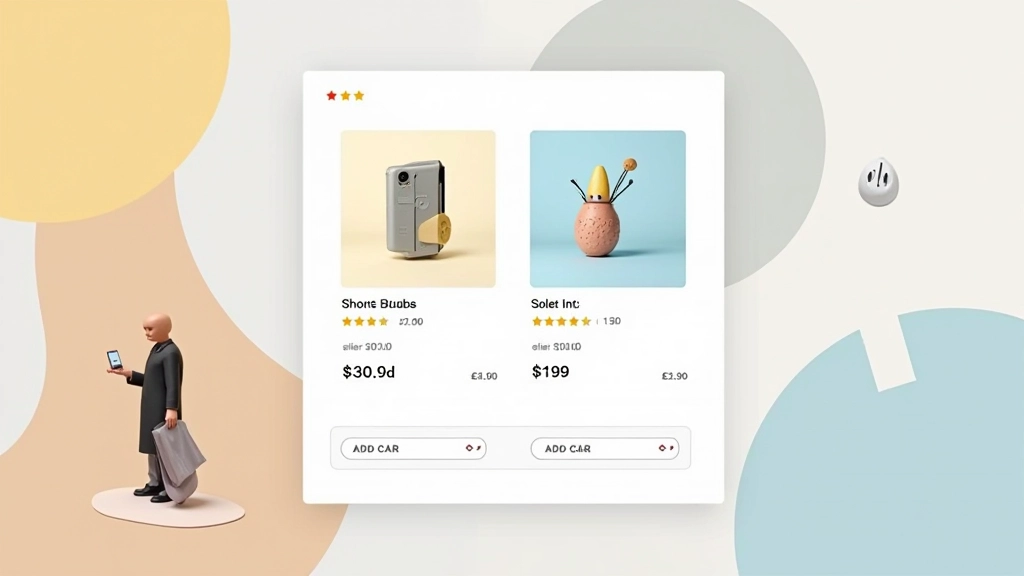
How to structure product cards with the right information hierarchy. Includes image optimization, price placement, and call-to-action positioning.
Read ArticleThe science behind checkout flows. Learn how form field organization, progress indicators, and trust signals reduce friction and increase completed purchases.

Cart abandonment happens. On average, 70% of online shoppers leave their carts before completing purchase. It’s not always about the price—most of the time, it’s about the experience. A poorly designed checkout page adds friction at the exact moment when customers are most ready to buy.
The good news? You can fix this. Strategic composition of your checkout page directly impacts conversion rates. We’re talking about measurable improvements—sometimes 15-25% increases in completed orders just by restructuring how information flows through your checkout.

Your form fields aren’t just data collection—they’re the conversation between you and your customer. How you ask for information shapes whether they’ll finish the conversation.
Start with the essentials. Most e-commerce checkouts fail because they ask for too much too early. You don’t need phone number, company name, or shipping preferences before the customer confirms their purchase. Get the critical information first: shipping address, billing address, payment method.
Group related fields logically. Shipping address stays together. Payment information stays together. Don’t scatter them across the page. Research shows customers complete forms 30% faster when fields are properly grouped. One-column layouts work better than multi-column at this stage—the eye doesn’t have to jump around.

Customers want to know where they are in the process. A progress bar isn’t decoration—it’s reassurance. It answers the question running through every buyer’s mind: “How much longer until I’m done?”
Three-step checkout works best for most stores: Cart Review Shipping & Billing Payment & Confirmation. Don’t go beyond five steps. Each additional step increases abandonment by roughly 5-10%.
Make the current step visually distinct. Use color, icons, or highlighting—something that makes it instantly clear which step the customer is on. They shouldn’t have to read text to understand their progress.
Security badges matter. SSL certificates, payment processor logos, and trust seals reduce checkout anxiety. Place these near the payment section—exactly where customers are most cautious.
Money-back guarantees or return policies visible at checkout increase conversions by 10-15%. Customers need reassurance that they’re not locked in. A simple “30-day returns, no questions” statement can be the difference between completed purchase and abandoned cart.
Show real payment methods. Display logos of Visa, Mastercard, PayPal, Apple Pay—whatever you accept. Customers want confirmation that they can pay the way they prefer. And that reassurance needs to be visible, not hidden behind a dropdown.

Let browsers and password managers fill shipping addresses automatically. This simple feature cuts form completion time in half. Customers appreciate it, browsers support it, and you get better data accuracy.
Show shipping options with estimated delivery dates immediately. Don’t make customers guess. “Free shipping arrives Friday” is more compelling than “Standard shipping.” Transparency builds confidence.
Not every customer wants to create an account. Offering guest checkout increases conversion rates by 23% on average. You can request account creation after purchase.

The highest-converting checkouts don’t try to be clever. They’re straightforward, honest, and respectful of the customer’s time. You’re asking for information, they’re giving you money—make that exchange as smooth as possible.
Start with a three-step flow. Group your form fields logically. Make progress visible. Include trust signals near payment. And always offer guest checkout. These fundamentals won’t make your checkout flashy, but they’ll make it work.
The businesses that see the biggest improvements aren’t redesigning from scratch—they’re optimizing what already exists. Small changes to field organization, clearer progress indicators, and better trust signal placement can recover 5-10% of abandoned carts. That’s real revenue impact.
This article provides educational information about e-commerce checkout design principles. Conversion rates and optimization results vary based on industry, target audience, and specific implementation. The techniques described are general best practices supported by user experience research. Your actual results will depend on your unique business context, product type, and customer base. We recommend A/B testing any significant changes to your checkout flow with your own users to measure actual impact.